
Buddy Connect
QR scan. Quick code. Instant connection.
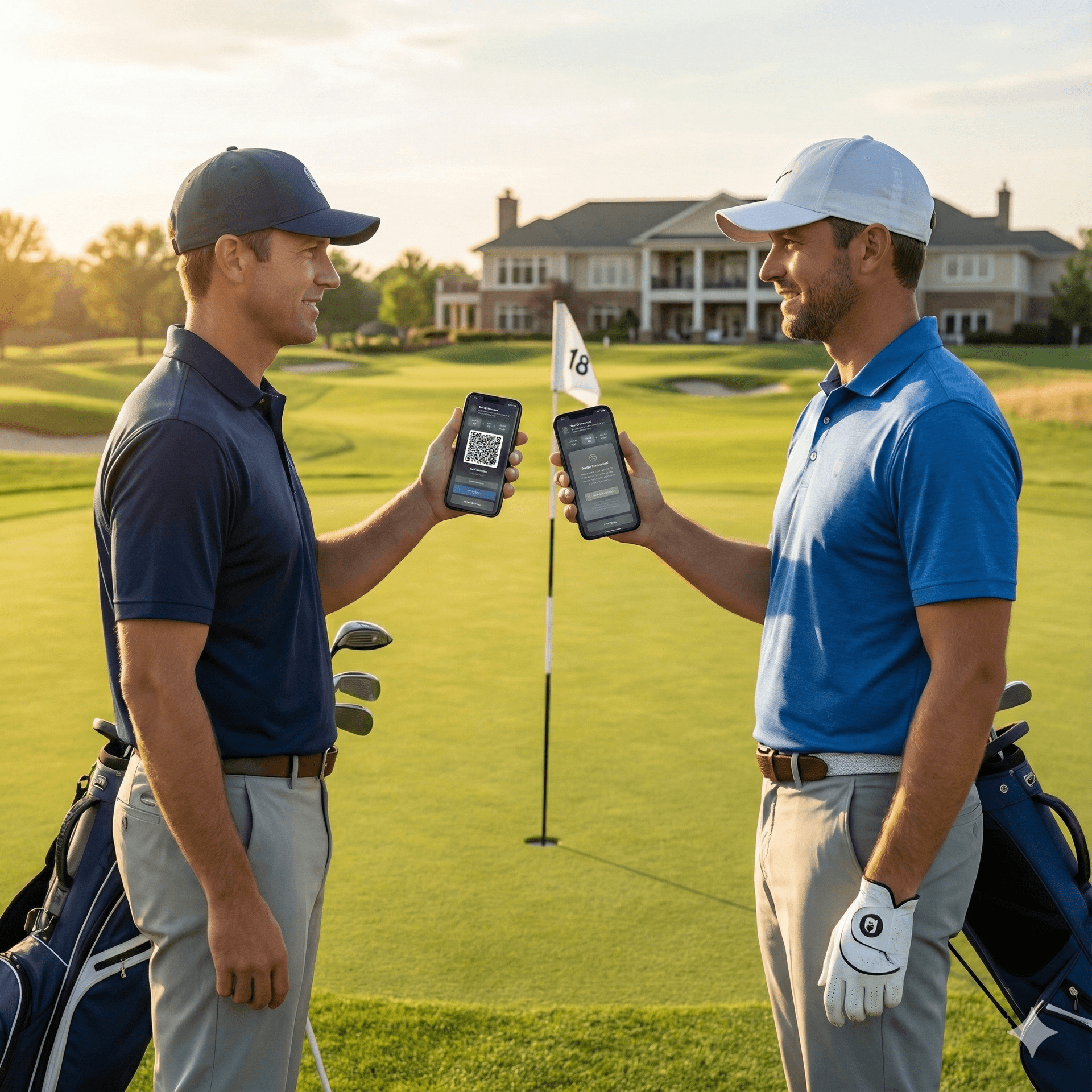
Meet someone at the course? Scan their QR code or share a 6-character Quick Code and you're connected instantly — no request, no approval, no waiting.
Get StartedPremium feature
Explore More Features
Three Ways to Find Your People
Whether you're standing next to someone or searching from home.
Quick Connect
No approval needed. Two methods:
Show on screen for them to scan, share via AirDrop, save to photos, or copy the link to send.
6-character code, valid for 30 minutes. Share verbally or via text — they enter it on their phone.
Search & Request
Find buddies by name, username, or email. Send a request they can accept or decline.
- Partial name/username matching
- Push notification + email sent
- Accept or decline requests
- Track outgoing request status
Advanced Filters
Find compatible playing partners who match your style.
- Handicap range filtering
- Playing preferences (drinks, music, side games)
- Cart vs walking preference
- Gender, age range, location
Quick Connect in 3 Steps
Meet someone on the course? Connected in seconds.
Open Quick Connect
Tap Quick Connect from your Buddies screen. Your QR code and Quick Code appear instantly.
Share or Scan
Show your QR code for them to scan, or share your 6-character Quick Code verbally or via text.
Instantly Connected
No approval needed. Both of you are immediately added to each other's buddy list.
Related features
Frequently Asked Questions
What is Quick Connect?
Quick Connect lets you instantly add a golf buddy without sending a request and waiting for approval. Show your QR code or share a 6-character Quick Code, and you're connected immediately. Perfect for meeting someone at the course.
How does the QR code work?
Open your profile and tap Quick Connect to show your QR code. The other person scans it with their phone camera or the in-app scanner. You can also share your QR via AirDrop, save it to your photos, or copy the link.
What is a Quick Code?
A Quick Code is a 6-character code that expires after 30 minutes. Share it verbally or via text — the other person enters it on their Find Buddies screen. It's the fastest way to connect when you can't scan a QR code.
Does Quick Connect require approval?
No. Quick Connect creates an instant buddy connection with no approval step. Both users are immediately added to each other's buddy list.
Can I still send a traditional buddy request?
Yes. You can search by username or email and send a buddy request. The other person receives a push notification and email, and can accept or decline.
What are the advanced search filters?
You can filter potential buddies by handicap range, playing preferences (drinks, smoking, music, side games), cart vs walking, gender, age range, and location. Great for finding compatible playing partners.
Do I need internet to scan a QR code?
You need an internet connection to complete the buddy connection after scanning. The in-app scanner uses your device camera to read the QR code in real-time.
Is Buddy Connect free?
Buddy Connect is part of the My Buddies feature, which requires a Premium subscription. Both users need accounts to use the in-app buddy features.
Connect With Every Golfer You Meet
QR code at the first tee. Quick code at the 19th hole. Never lose touch with a playing partner again.
Get StartedPremium feature. No credit card to start.